Animation Storyboarding: How to Plan Scenes Before Production Starts

Oliver Watson
Apr 6, 2026 · 12 min read
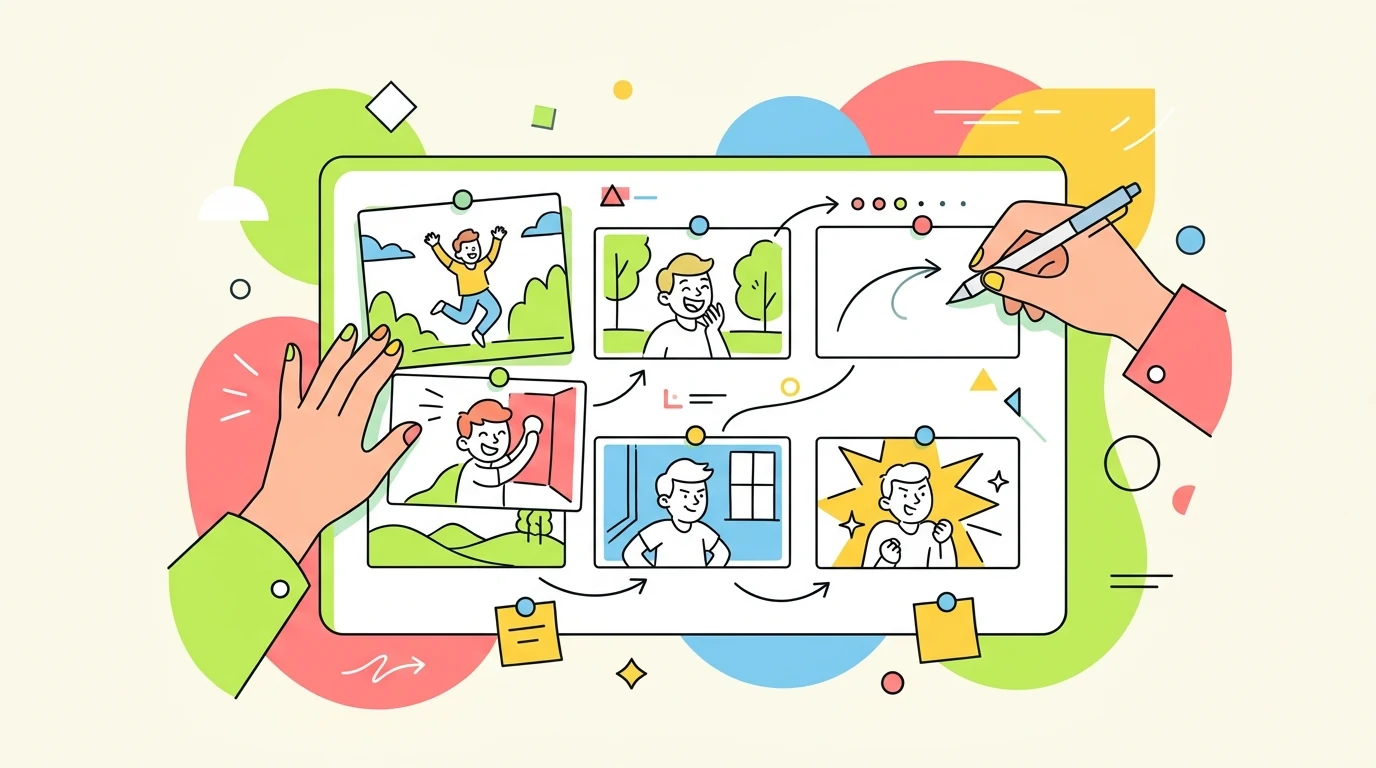
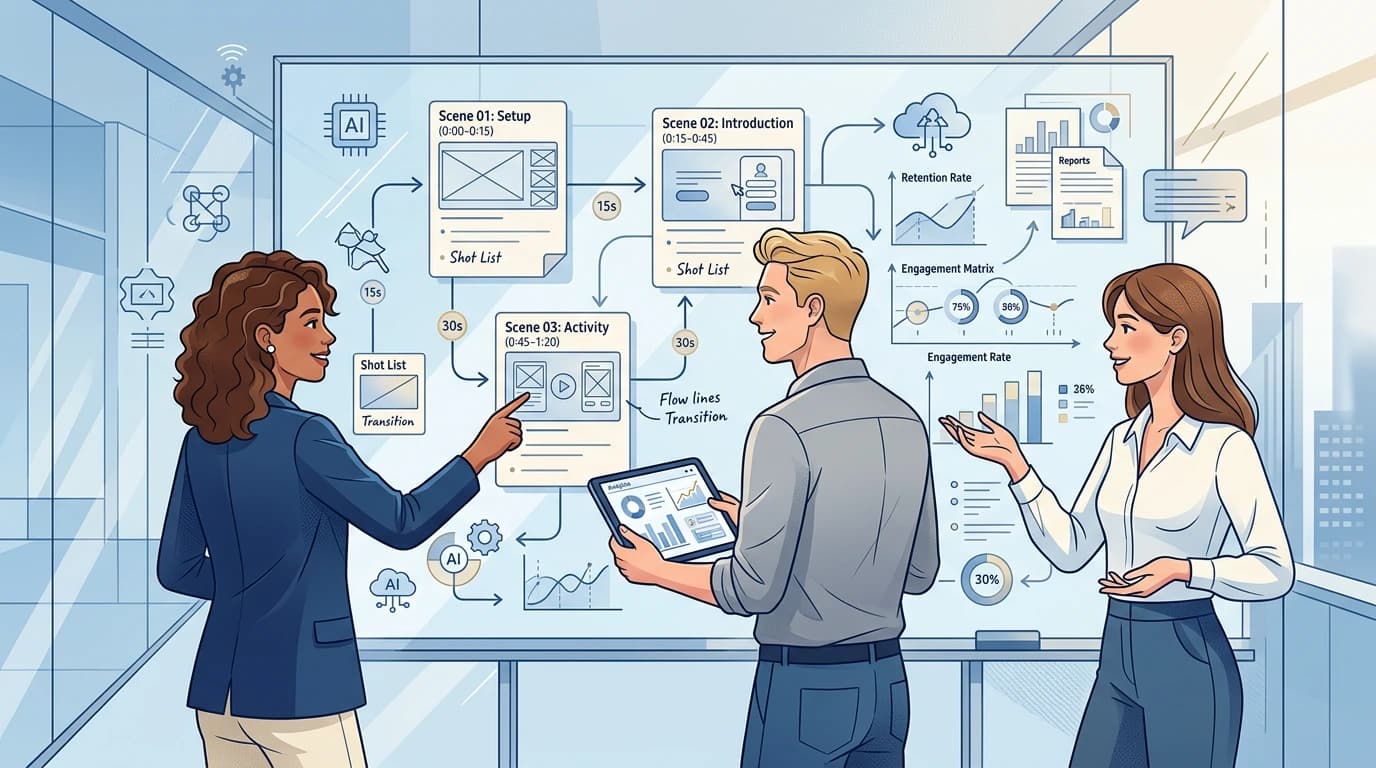
Animation storyboarding is where expensive confusion becomes cheap clarity. Teams that skip it usually believe they are moving faster. They are not. They are postponing decisions until the moment when those decisions are hardest to change. A solid storyboard is not bureaucracy for animators. It is the fastest route to a video that knows what it is trying to say.
What a storyboard is really for
A storyboard is not a rough version of the final visuals. It is a decision tool. Its job is to make sequence, message, and timing visible before anyone spends time polishing style.
That distinction matters because many teams over-design their storyboards and under-think their logic. I would rather see crude sketches with precise narrative flow than beautiful panels that still leave the structure unresolved.
The minimum information every storyboard panel needs
- Scene objective: what the viewer should understand in that moment.
- Visual state: what is on screen at the start of the scene.
- Transition note: how the viewer gets from this panel to the next.
- Narration line or caption: the exact sentence tied to the scene.
- Timing estimate: even a rough duration prevents pacing surprises later.
How to storyboard for comprehension
Each panel should answer one question. If a panel is trying to introduce a new concept, compare two options, and land a CTA at the same time, it is overloaded. Split it.
The strongest animation storyboards move from confusion to clarity in a clean sequence: context, mechanism, proof, next step. That is true in product explainers, educational pieces, and brand communication alike.
I recommend reading the storyboard aloud with the script. If the visual beat arrives before the viewer has enough context, or long after the line has passed, the issue is visible immediately.
Why storyboarding matters even more with AI tools
AI can shorten production dramatically, but it does not replace sequence design. In fact, weak planning becomes more expensive in AI-assisted workflows because teams generate many fast drafts around a flawed structure.
A storyboard gives the model the thing it needs most: ordered intent. When the scenes are defined clearly, AI tools become a speed advantage. When they are not, you just get faster confusion.
A practical handoff workflow
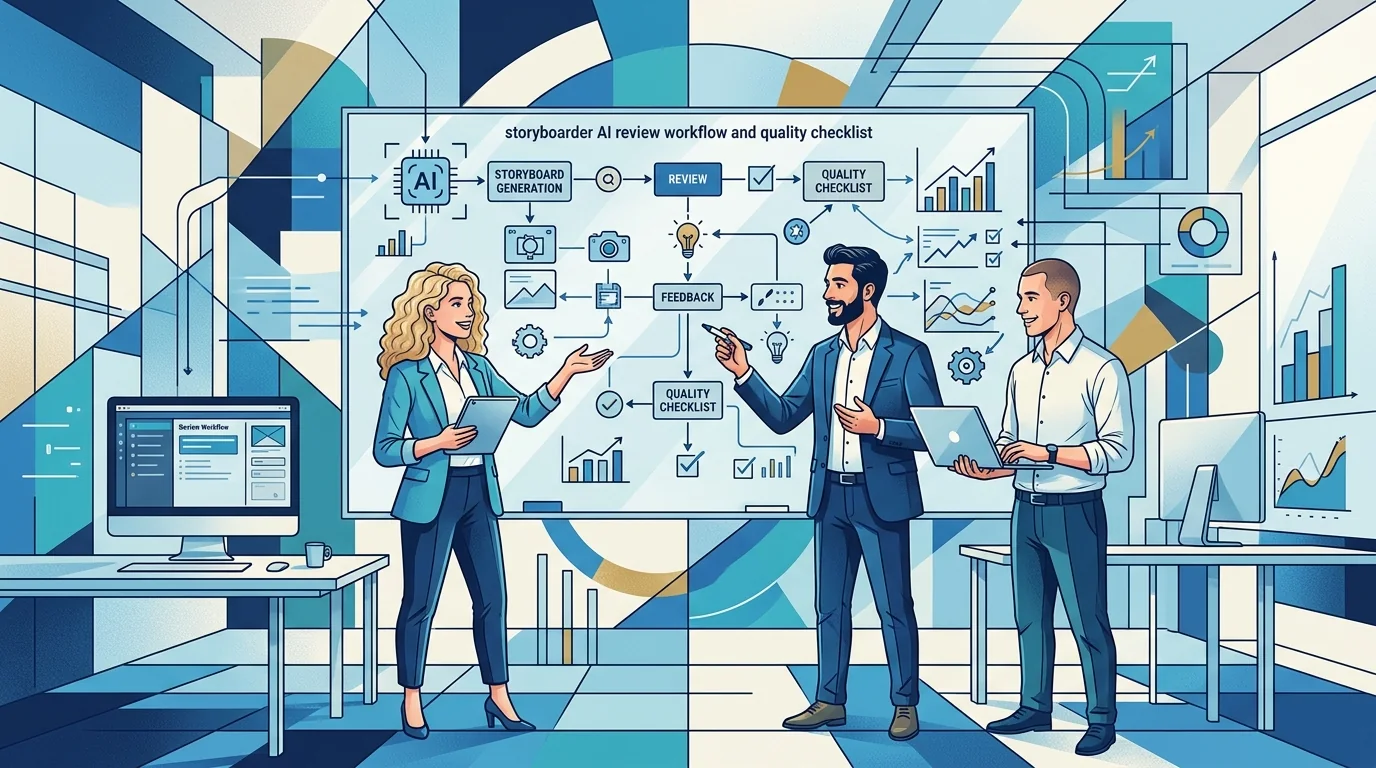
My preferred handoff is script first, storyboard second, motion brief third. The storyboard sits between editorial and production and translates the message into scene logic.
For TapVid-style workflows, that means your storyboard can become a source document for generation. You are no longer starting from a blank prompt. You are starting from a sequence that has already survived editorial review.