Free AI Animation Generator Tools Compared: What Actually Works in 2026

Sophia Martinez
Apr 3, 2026 · 11 min read

I spent three weeks testing every free AI animation generator I could find, running the same five test prompts through each one and screenshotting the results. Some of what I found was expected. Some of it genuinely surprised me. If you're trying to figure out which free tool is actually worth your time, this is the comparison I wish had existed before I started.
Why free AI animation tools have improved dramatically
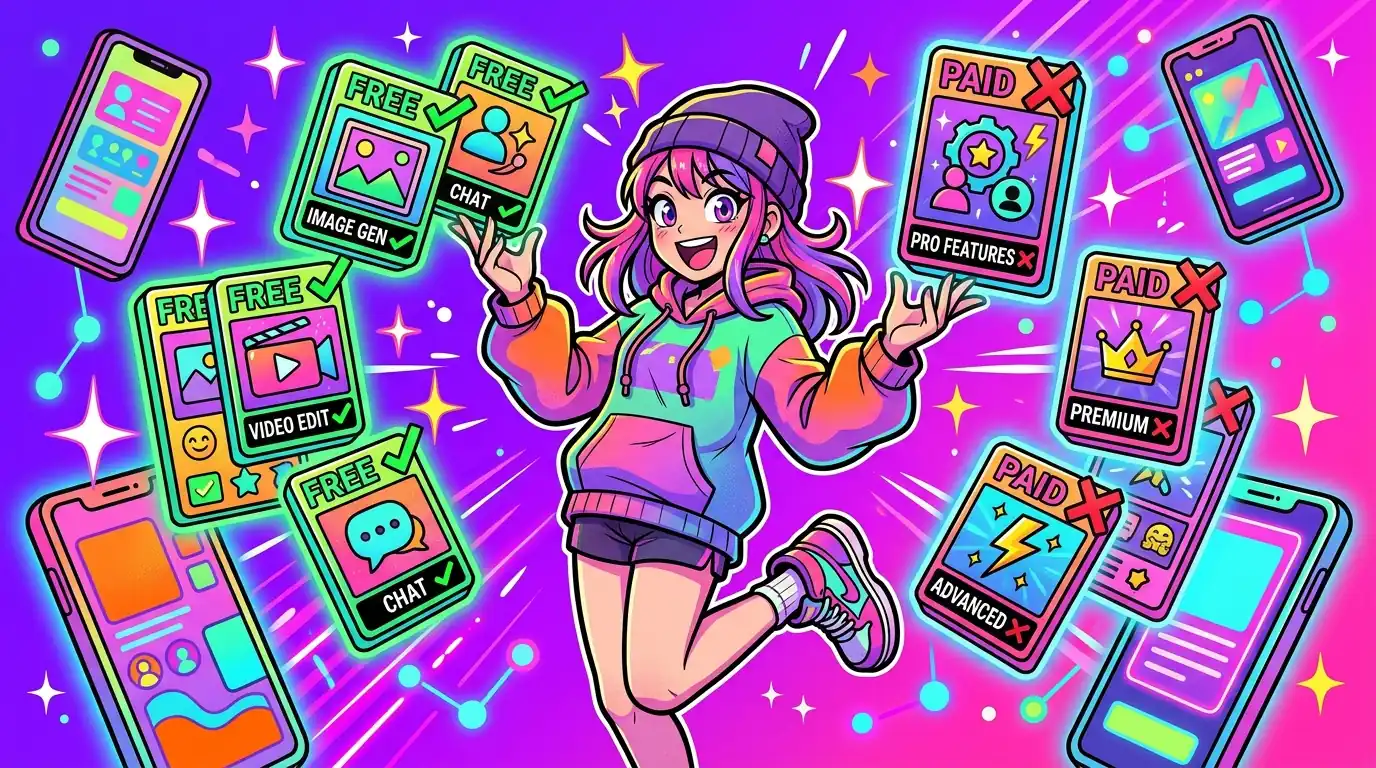
Twelve months ago, free AI animation generator tools were mostly demo-quality — useful for proof of concept but not for anything you would actually publish. That has changed. The gap between free tiers and paid subscriptions has narrowed significantly, and for creators working at short-form social scale, several free options now produce genuinely publishable output.
The catch is that each tool has a narrow use case it is excellent at and a range of use cases where it falls flat. This guide is about matching tool to task, not finding one magic free option that does everything.
The four types of free AI animation output
Before comparing specific tools, it helps to understand the four categories of AI animation output, because free tier limits vary by type.
Image-to-animation converts a static image or illustration into a moving clip — breathing, parallax, or fluid motion. Text-to-animation generates a short animated sequence from a text prompt. Video-to-video applies a motion style or visual transformation to existing footage. And document-to-animation converts text content like a PDF or slide deck into an animated explainer sequence.
Free tiers almost always cap resolution, clip length, or exports per month. Knowing which type you need most determines which tool's free tier is most useful to you.
- Image-to-animation: best for social content, product visuals.
- Text-to-animation: best for concept generation and short ads.
- Video-to-video: best for style transfer on existing footage.
- Document-to-animation: best for explainer and educational content.
What to look for when evaluating a free AI animation tool
Resolution and watermark policy matter most. A free tier that outputs at 720p without a watermark is significantly more useful than one that outputs at 1080p with an embedded logo you cannot remove.
Export format is the second consideration. MP4 is table stakes. If a tool only exports GIF on the free tier, your workflow compatibility drops immediately. Check whether free exports include audio support if your use case requires voiceover or music.
Finally, evaluate the prompt-to-output iteration speed. Some tools take six to eight minutes per generation on free tiers due to queuing. If you need to iterate quickly, that wait time breaks your flow completely.
Honest assessment: what free tools cannot yet do well
Free AI animation generator tools still struggle with consistent character motion across multiple clips. If you need a character to appear and behave consistently across a ten-part series, free tools will produce visible inconsistencies. This is a fundamental model limitation, not a tier limitation.
Long-form output is the second major gap. Free tiers typically cap at ten to thirty seconds. For anything longer, you are either stitching clips manually or upgrading to paid. For short-form social content this is rarely a constraint; for explainer videos it almost always is.
Brand color precision is the third limitation. Most free AI animation tools apply their own aesthetic defaults. Getting exact hex-code color matching requires either a paid tier with brand customization or significant post-processing.
How to get the most out of any free AI animation tier
- Batch your exports: generate all clips in one session to maximize your monthly free quota.
- Use the free tier for drafts, paid for finals: generate concepts free, export production-quality on paid.
- Write reusable prompt templates: save prompts that work and reuse them for consistent output.
- Check the export folder immediately: some tools auto-delete free exports after 24 to 72 hours.
- Combine tools: use one free tool for image-to-animation and another for text-to-animation to expand your free capacity.
When to upgrade from free to paid AI animation
The upgrade trigger is almost always one of three things: you hit the monthly export cap before you finish a project, you need higher resolution for a client deliverable, or you need a watermark-free export for commercial use.
Most creators working on personal projects or organic social content can sustain a workflow almost entirely on free tiers by using two or three tools strategically. Teams producing content for clients or paid campaigns almost always need a paid tier within the first month of serious use.