Free Animated Video Maker Stack: How to Publish Without a Large Budget

Sophia Martinez
Apr 16, 2026 · 11 min read
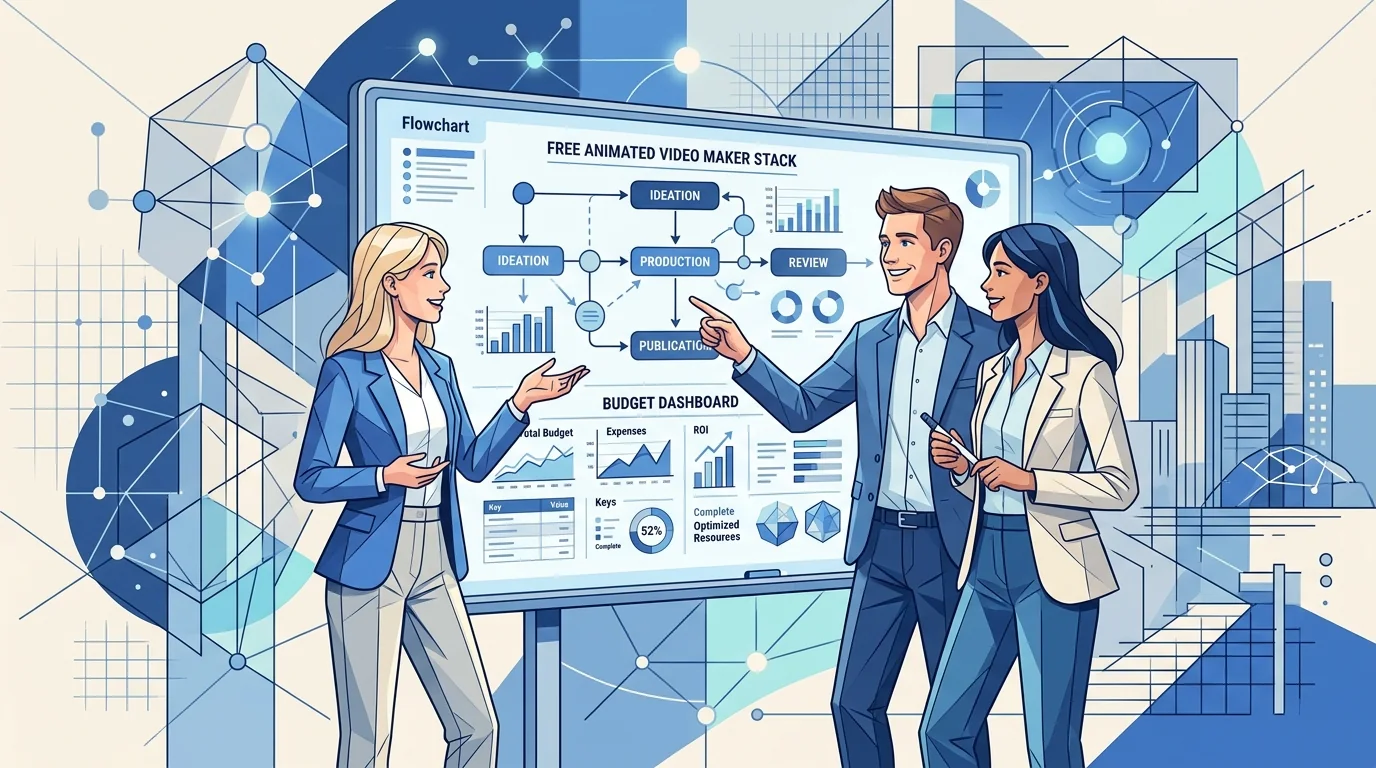
Searches for "free animated video maker" are often budget-driven, but cost is only one side of the equation. Free stacks fail when teams ignore planning and spend hours fixing inconsistent outputs. This guide shows how to run a lean process that still looks professional.
What "free" should actually mean in production
A free animated video maker is useful only if it supports repeatable publishing with acceptable quality and manageable export constraints. Free tiers that force heavy rework are expensive in labor even when software cost is zero.
Evaluate free tools using three checks: watermark policy, export limitations, and edit flexibility after first generation.
A no-cost production framework that works
Start with a short script template and pre-approved scene list. This avoids random generation loops that consume hours.
Then build a lightweight review checklist focused on readability, pacing, and CTA clarity. Keep effects minimal to preserve speed and visual consistency.
- Use plain language scripts before visual generation.
- Cap first drafts at 45 to 90 seconds.
- Keep one color system and one type hierarchy per series.
- Archive successful prompts and scene layouts for reuse.
When to move beyond fully free tools
If your team publishes weekly and cares about conversion, moving to a paid workflow is usually justified once rework time exceeds budget savings.
The right time to upgrade is when operational friction, not idea generation, becomes your main bottleneck.
Feature path for low-cost scaling
For onboarding and support content that must stay clear and concise, use https://tapvid.ai/feature/customer-onboarding-video as your structure baseline.
If your team needs searchable self-serve answers, pair it with https://tapvid.ai/feature/help-center-video to reduce repetitive support load.
FAQ
Can free tools produce professional quality? Yes, for simple explainers and social clips, if scripts and reviews are disciplined.
What is the biggest budget mistake? Spending too much time regenerating visuals without fixing narrative structure first.
How do you maintain consistency across free tools? Create a shared style sheet and reuse scene templates instead of starting fresh every time.