Whiteboard Video Maker: How to Create Whiteboard Animations That Actually Teach

Ji-eun Park
Apr 3, 2026 · 10 min read
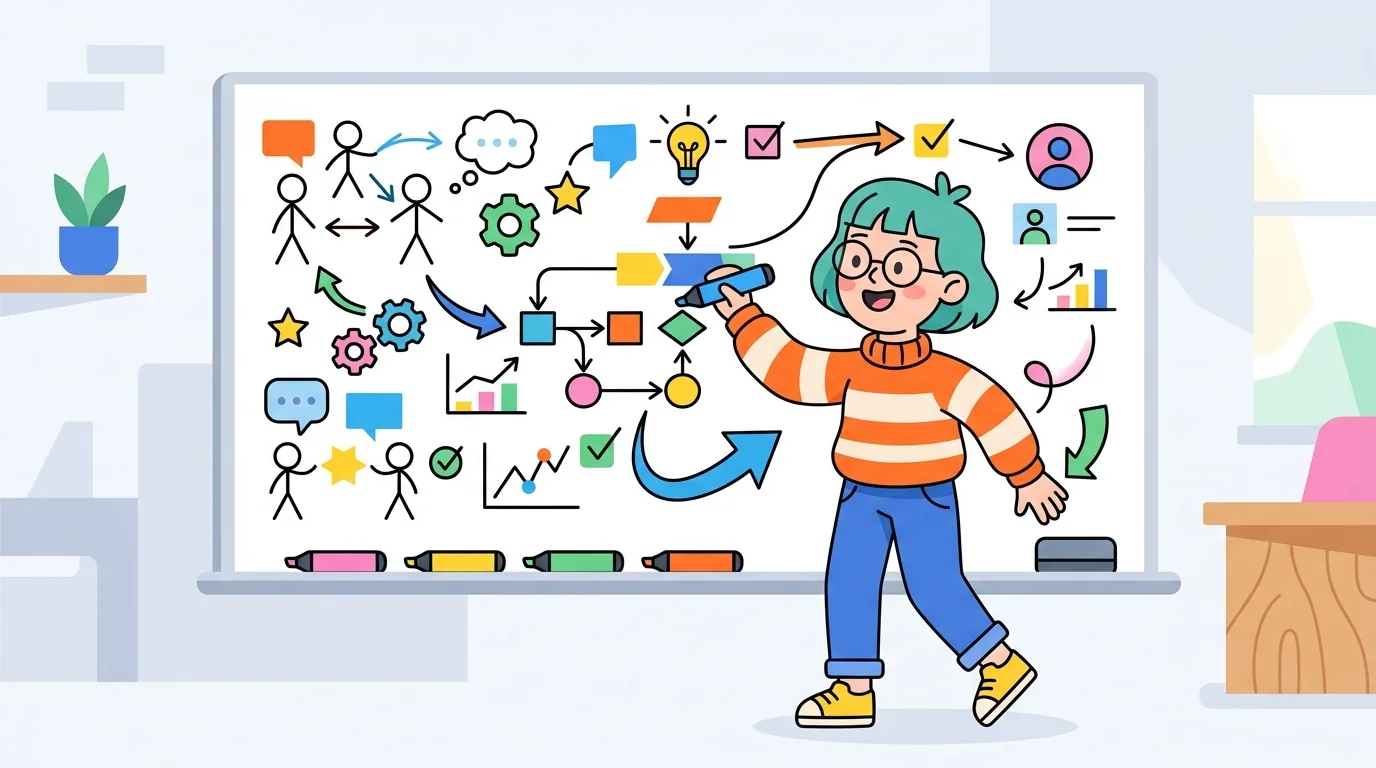
My most-watched YouTube video is a whiteboard animation. Not because whiteboard is the best visual format for every topic — it is not — but because there is something about the hand-drawing aesthetic that signals genuine teaching intent. Viewers trust whiteboard videos differently than they trust polished corporate animation. Understanding why this works changed how I use the format.
Why whiteboard animation still performs in 2026
Whiteboard animation works because it mimics the way good teachers explain things. The progressive reveal — ideas appearing as if being drawn in real time — matches how human comprehension works. We understand things better when they are revealed incrementally than when they are presented all at once.
The aesthetic also serves a trust function. Polished animation can feel like marketing. Whiteboard animation feels like explanation. For educational content, tutorials, and onboarding videos, this trust signal translates directly into watch time and comprehension outcomes.
Modern AI whiteboard tools have made the format significantly more accessible. What previously required a professional illustrator and animator can now be produced with a script and an hour of production time.
Choosing the right whiteboard video maker
- Fully automated AI tools (generate from script): fastest workflow, least visual control — best for teams with high content volume and limited design resources
- Hybrid tools (template-based with AI animation): moderate speed, moderate control — best for creators who want consistent style without full manual production
- Traditional whiteboard software (Doodly, VideoScribe): most visual control, slowest workflow — best for creators who produce whiteboard content as a primary channel format
- After Effects with whiteboard presets: maximum control, highest skill requirement — best for agencies producing client-facing whiteboard content
Writing a script that works for whiteboard format
Whiteboard animation reveals concepts progressively, which means your script needs to match that pacing. Write for one concept per visual beat. If a single sentence introduces three ideas, break it into three sentences delivered across three visual moments.
The visual and the narration should be synchronized but not redundant. Do not narrate exactly what is being drawn — the viewer can see that. Instead, narrate the implication or the context while the visual shows the fact. This layering is what creates the teaching effect.
Aim for 120 to 150 words per minute in your narration. Faster than 150 words per minute and the drawing cannot keep pace with the audio, creating a disconnect. Slower than 100 words per minute and the pacing feels labored.
Voiceover decisions that affect viewer trust
Your own voice, even recorded with a basic USB microphone, builds creator-viewer connection in a way that AI voiceover cannot replicate. For channels building an audience, authentic voice is worth the extra production step.
AI voiceover is the right call for high-volume content where consistency and turnaround time matter more than personal connection — corporate training, product onboarding, high-frequency explainer series. The quality gap between AI voice and human narration has narrowed significantly, but the emotional authenticity gap has not.
Regardless of voice source, audio quality is the most unforgiving element. Viewers tolerate imperfect visuals far more readily than they tolerate poor audio. A quiet room and a decent microphone make more difference than any other single production decision.
Where whiteboard animation consistently outperforms other formats
- Complex concept explanation: step-by-step processes, cause-and-effect relationships, system diagrams
- Educational YouTube channels: whiteboard signals teaching intent — algorithm treats high watch-time educational content favorably
- LinkedIn thought leadership: professional context, text-heavy audiences — whiteboard performs better than talking-head video
- Employee onboarding and internal training: corporate context values clarity over production value
- Science and research communication: progressive reveal works naturally for hypothesis → evidence → conclusion structure
The most common whiteboard video mistakes
- Too much text on screen: whiteboard is a visual medium — long text blocks defeat the purpose of animation
- Drawing speed too fast or inconsistent: the reveal pacing is part of the teaching rhythm — rushed drawing feels anxious
- No visual hierarchy: everything drawn at the same size and weight creates a cluttered composition with no focal point
- Ignoring the transition moments: cuts between scenes in whiteboard animation need to feel intentional — a wipe or a camera-out is always better than a jump cut
- Over-narrating the visuals: if you describe exactly what is being drawn, viewers feel patronized — trust them to see