Webinar Clips Generator
Extract the highest-value moments from any webinar and turn them into branded short clips, LinkedIn content, and social highlights — automatically. One 60-minute webinar becomes weeks of shareable video.

Extract the best moments from any webinar automatically
Upload your webinar recording or transcript — TapVid identifies the most quotable, insightful, and engagement-worthy moments. It surfaces key takeaways, strong soundbites, and high-value exchanges you can repurpose as clips.
- Upload webinar MP4, connect a recording link, or paste a transcript
- AI identifies high-value moments: quotable insights, data points, and Q&A highlights
- Ranks clips by relevance, quotability, and audience value score
- Generates a short summary of each clip to help you choose what to publish first

Turn one webinar into a month of social content
A single 60-minute webinar contains enough content for five to fifteen short-form clips. TapVid formats each clip with your branding, adds captions, and sizes it for LinkedIn, Twitter/X, and Instagram — ready to schedule.
- Auto-format clips to 60s, 90s, and 3-minute lengths for different platforms
- Add branded intro frame, logo watermark, and outro card automatically
- Auto-generated captions for silent playback on social feeds
- Export in 16:9, 9:16, and 1:1 from the same source clip
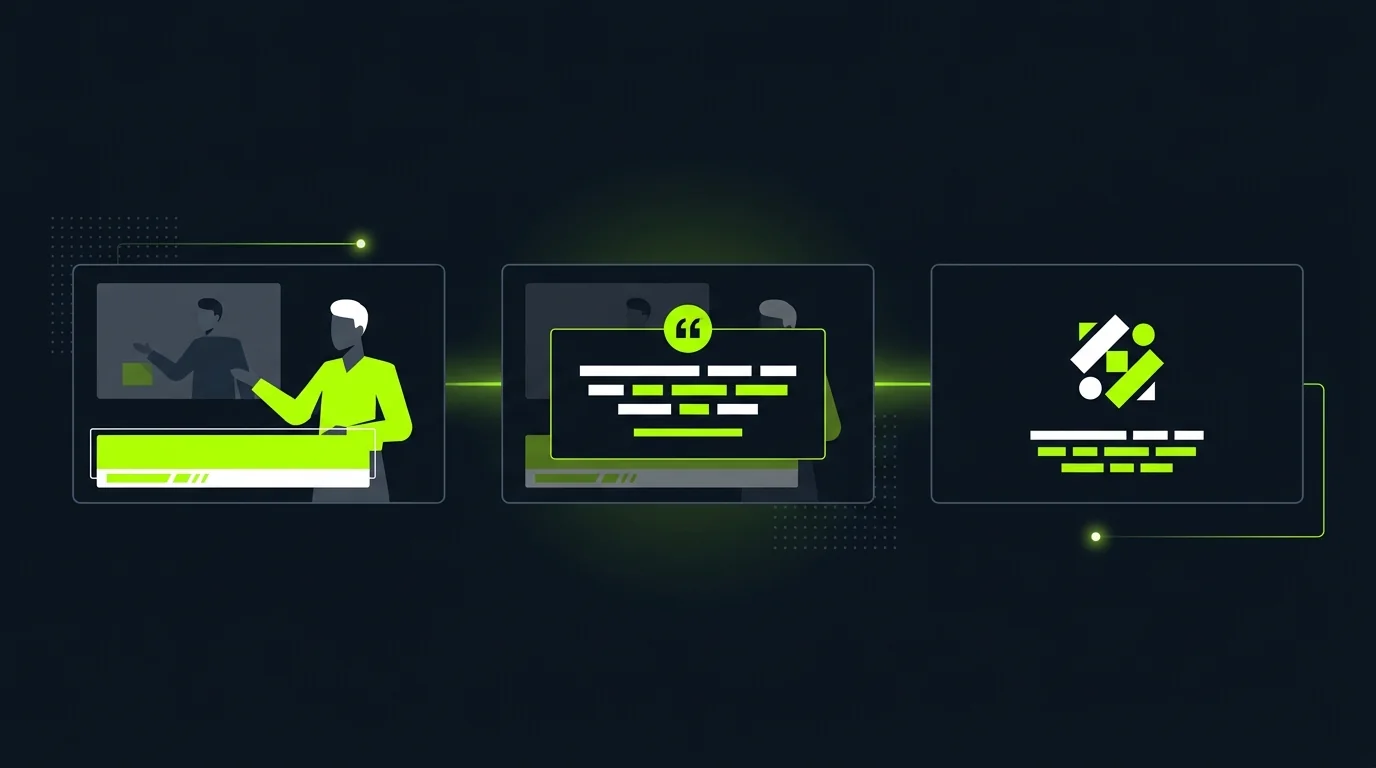
Add context and branding to every clip in minutes
Each clip gets a custom title card, speaker nameplate, and branded end frame — automatically. Add a pull-quote overlay for the most quotable moments, or include a data visualization for clips anchored around a specific statistic.
- Speaker name and role nameplate on every clip with no manual setup
- Pull-quote text overlay auto-generated from the clip's most quotable line
- Data card inserts for clips that reference specific numbers or study results
- Brand color palette and typography applied consistently across all clips
Frequently Asked Questions
More Features
View all →Feature Announcement
Ship polished feature announcement videos from release notes. Keep customers and stakeholders in sync at launch.
Learn more →Landing Page Video
Create conversion-focused landing page videos from your copy. Demonstrate value above the fold without a video crew.
Learn more →Competitive Comparison
Build side-by-side comparison videos from product data sheets. Shareable battle cards that move buyers faster.
Learn more →Ready to create your first video?
Start with a script, a document, or just a prompt. TapVid handles the rest.
Generate Webinar Clips