Meeting Recap Video Maker
Turn meeting notes, decisions, and action items into shareable recap videos in minutes. Replace long follow-up threads with a two-minute video that aligns the whole team — asynchronously.
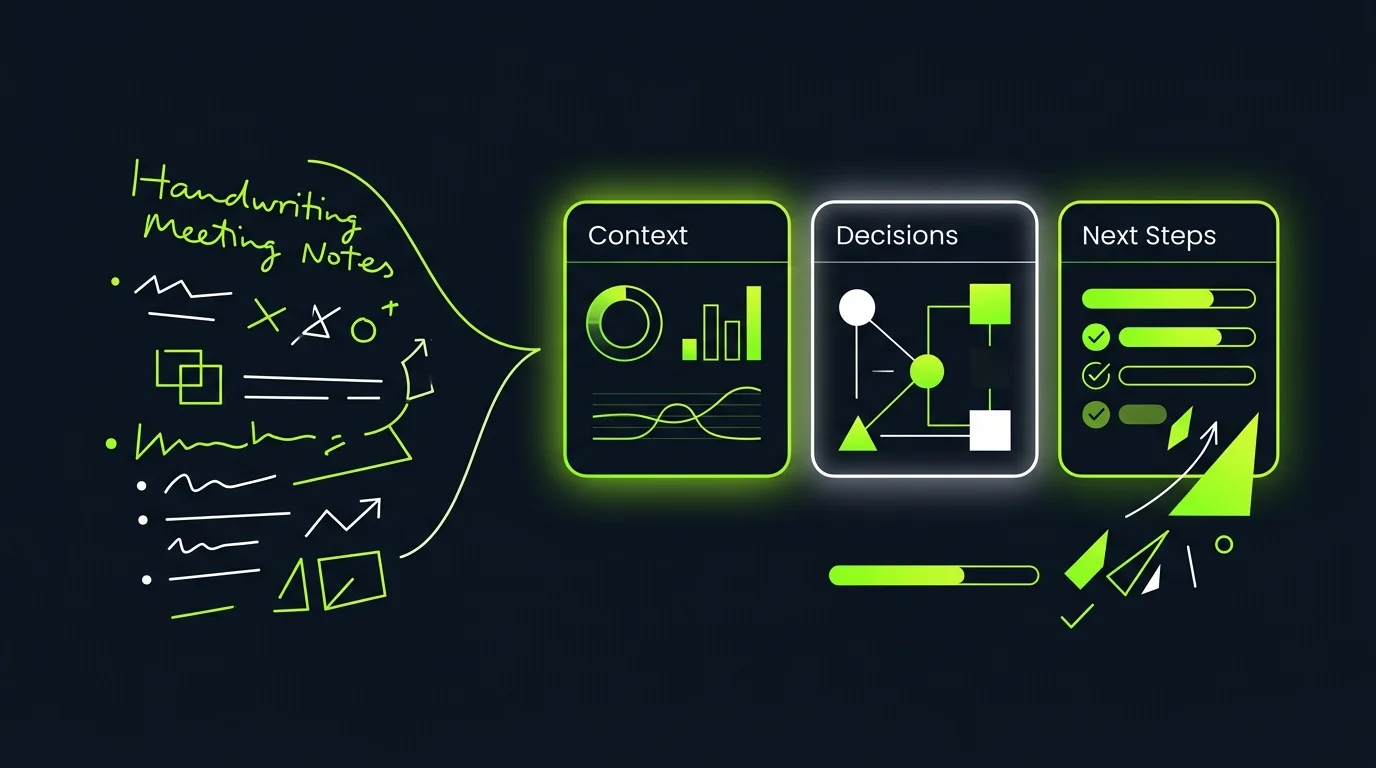
Turn meeting notes into shareable recap videos
Paste your meeting notes, upload a transcript, or connect your notes tool — TapVid structures the content into a clear narrative recap with decisions, action items, and next steps highlighted visually. No editing, no scripting.
- Supports pasted notes, uploaded transcripts, Notion pages, and Google Docs
- Auto-identifies decisions, action items, owners, and due dates from unstructured notes
- Structures recap in a three-part flow: context, decisions, next steps
- Generates a one to three minute video ready to share in Slack or email
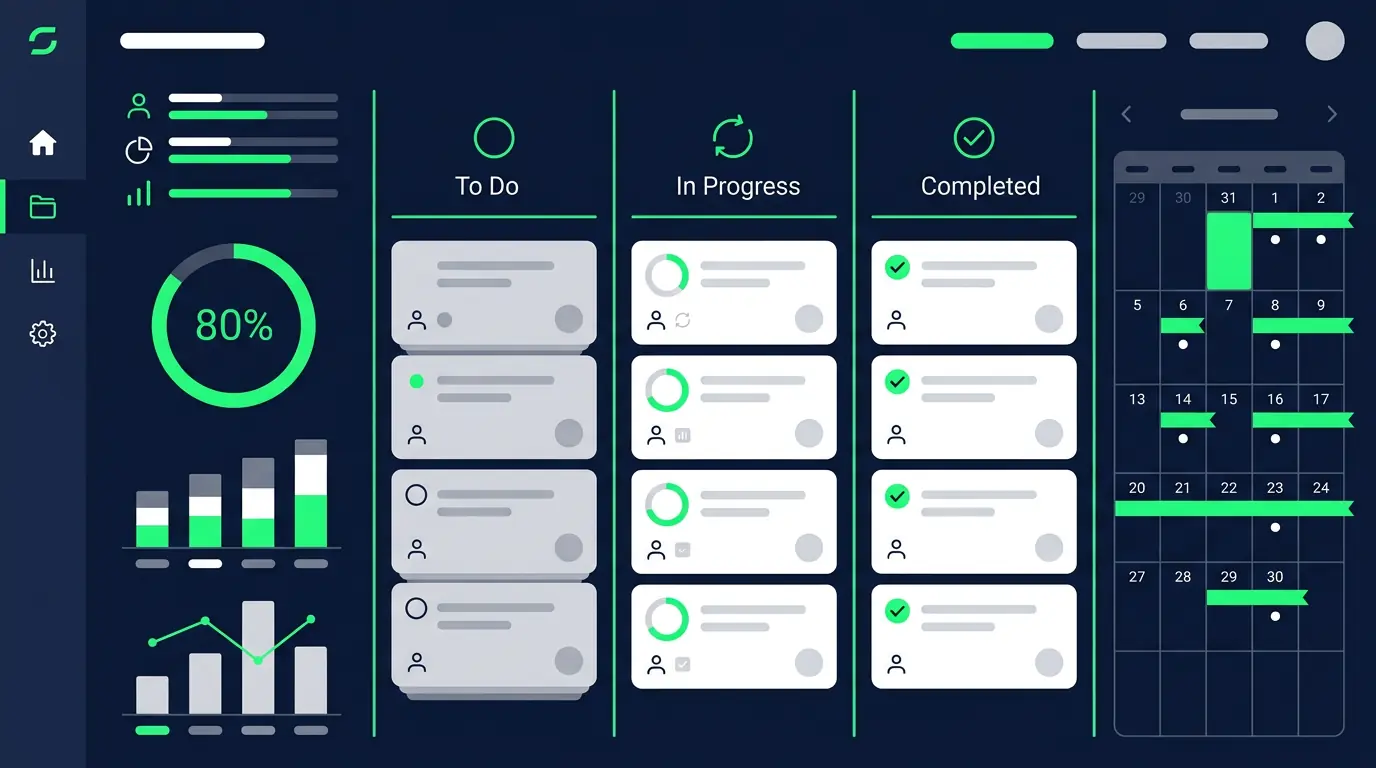
Structured recaps with action items and decisions highlighted
Not all meeting content is equal. TapVid emphasizes what actually matters — who owns what, what was decided, and what happens next. Action items appear as visual callouts, not buried in paragraphs.
- Decision callout cards: each decision appears as a distinct visual element
- Action item list with owner names and due dates highlighted per slide
- Risk and blocker flags surfaced visually if mentioned in notes
- Summary card at end: three bullets covering the whole meeting outcome

Share across teams without scheduling another call
Send the recap video in Slack or email instead of scheduling a fifteen-minute sync for people who missed the meeting. Stakeholders watch it at their own pace, leave comments, and get aligned without adding to anyone's calendar.
- Shareable link works in Slack, Teams, Notion, and email — no download needed
- Mobile-friendly player for stakeholders watching on their phone
- Timestamp-linked comments: feedback tied to specific moments in the recap
- Watch confirmation: know who has and hasn't seen the recap
Frequently Asked Questions
More Features
View all →Webinar Clips
Extract and repurpose the best moments from webinar recordings into shareable short-form video clips.
Learn more →Feature Announcement
Ship polished feature announcement videos from release notes. Keep customers and stakeholders in sync at launch.
Learn more →Landing Page Video
Create conversion-focused landing page videos from your copy. Demonstrate value above the fold without a video crew.
Learn more →Ready to create your first video?
Start with a script, a document, or just a prompt. TapVid handles the rest.
Create Meeting Recap