AI Tutorial Video Maker
Build step-by-step tutorial videos from any document, workflow, or written process — without screen recording, narration, or editing. TapVid generates visuals and voiceover from your content automatically.
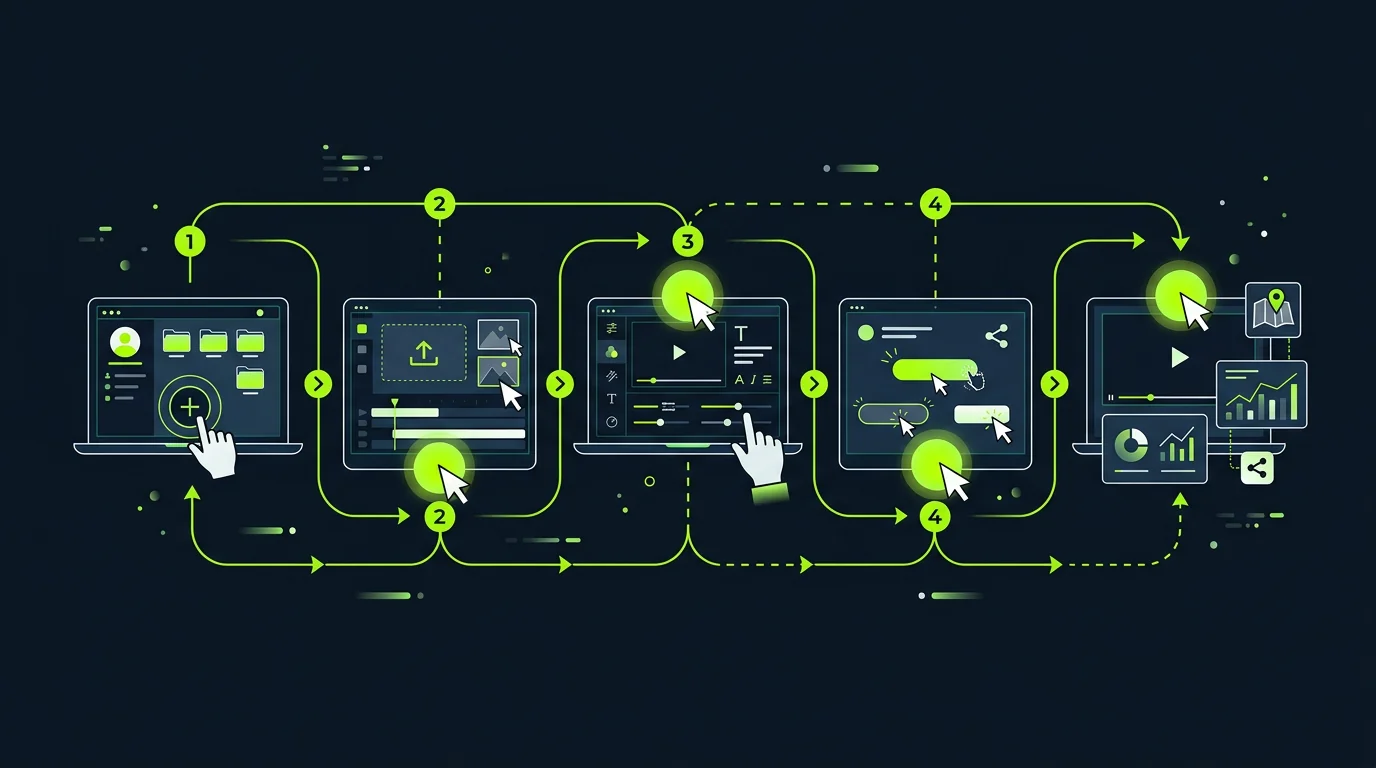
Build step-by-step tutorials from any document or workflow
Paste a process doc, upload a how-to guide, or describe a workflow in plain language — TapVid structures it into a logical step sequence, generates annotated visuals for each step, and produces a narrated tutorial video ready for review.
- Supports PDF guides, markdown docs, SOPs, Notion pages, and plain text
- Auto-numbers and sequences steps from unstructured written content
- Generates annotated UI mockups or diagram scenes for each step
- Includes a voiceover script synced to visual pacing per step

Screen recording alternative — no recording required
Traditional software tutorials require screen recording software, a clean demo environment, and multiple takes. TapVid generates annotated UI scenes from descriptions or screenshots — no recording setup, no retakes, no editing.
- Generate UI walkthrough scenes from screenshots, Figma frames, or text descriptions
- Annotation layers — highlights, arrows, click indicators — generated automatically
- No screen recording software or demo environment needed
- Consistent audio quality without microphone setup or noise concerns
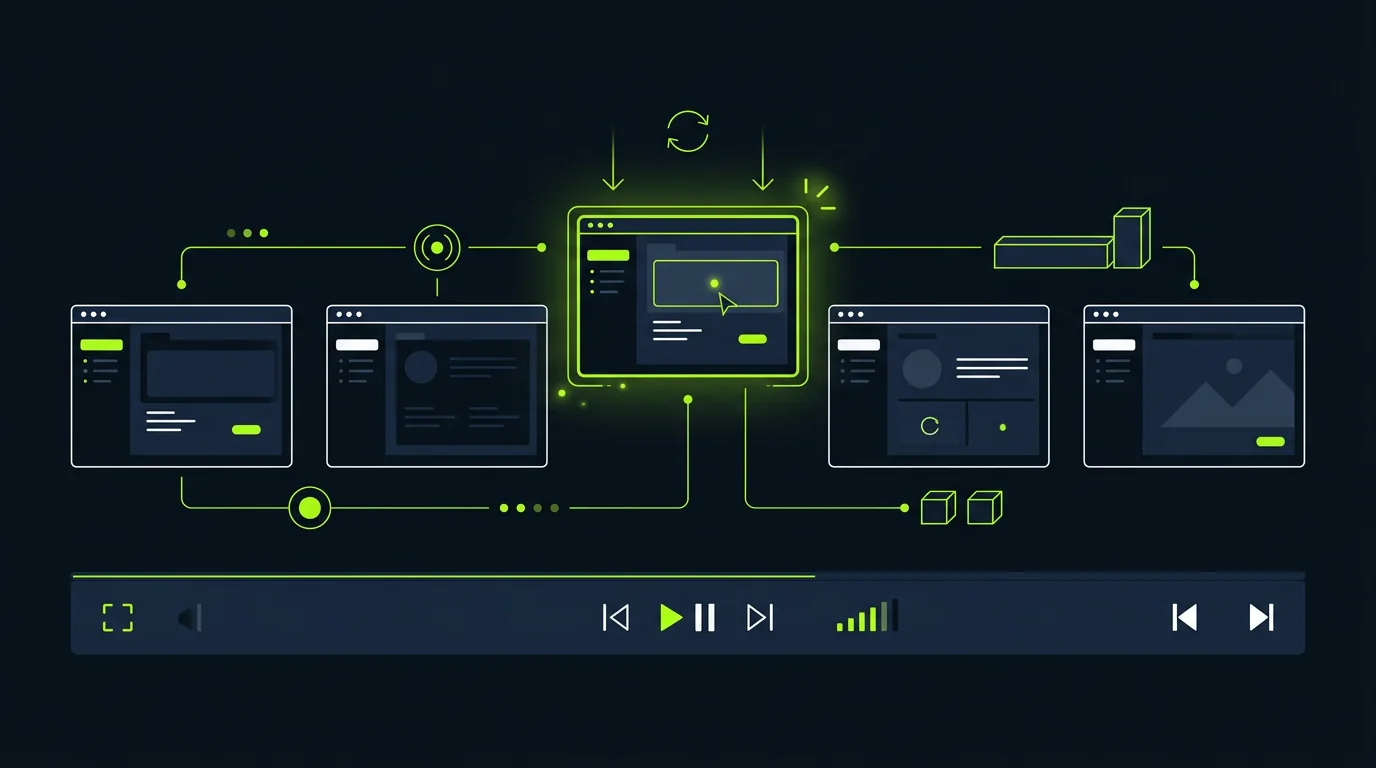
Update tutorials instantly when your product changes
When a UI changes or a workflow gets updated, regenerate only the affected steps without rebuilding the full video. Tutorial libraries stay accurate without requiring a full re-recording cycle.
- Update specific steps by describing the change — surrounding steps stay intact
- Bulk regeneration for UI redesigns: swap screenshots and regenerate annotations
- Version history lets you restore a prior step version if a change is rolled back
- Export updated tutorial and replace the embedded video in one workflow
Frequently Asked Questions
More Features
View all →Customer Onboarding
Build onboarding video sequences from your product docs. Reduce support tickets and time-to-value for new users.
Learn more →Help Center Video
Convert help articles into short explainer clips. Reduce support load and improve self-service resolution rates.
Learn more →Meeting Recap Video
Turn meeting notes or transcripts into crisp recap videos. Keep distributed teams aligned without long recordings.
Learn more →Ready to create your first video?
Start with a script, a document, or just a prompt. TapVid handles the rest.
Create Tutorial Video